How to Digitize a DST Embroidery File for Any Embroidery Machine?
In machine embroidery, the DST file is typically the first format you’ll encounter, as it’s the industry’s most widely used file. With almost every commercial embroidery machine depending on it, understanding how a DST file is created and converted properly is essential.
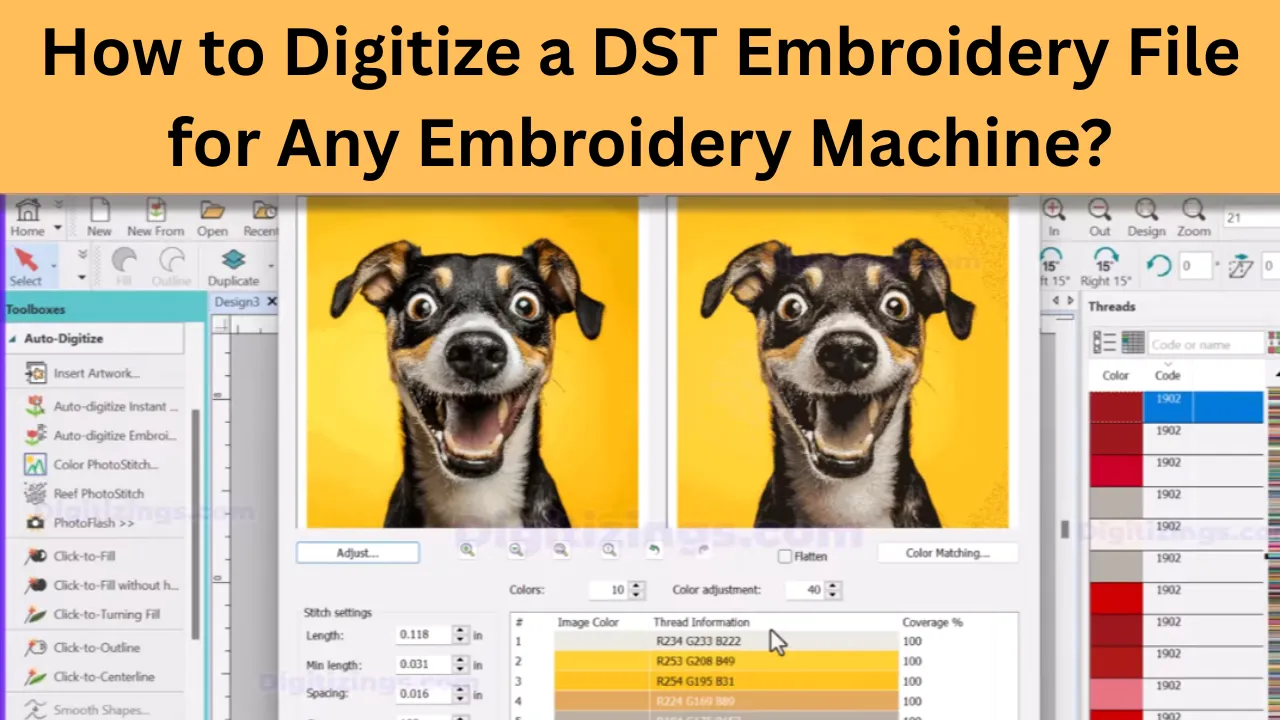
In this guide, I will show you how professionals create clean, machine-ready DST files that run smoothly on Tajima, Brother, Janome, and other embroidery machines.
Table of Contents
What Is a DST Embroidery File?
A DST embroidery file is a set of stitch instructions that tells the machine exactly how to sew a design onto fabric. Unlike a picture or logo file, it directly controls the needle movement, stitch direction, trims, and jumps. This is why a DST file is so important for achieving clean, professional results that run smoothly on the embroidery machine.
What a DST File Does Not Store?

Many people are surprised to learn that a DST embroidery file does not contain colors, images, shapes, or any visual design elements the way embroidery digitizing software displays them on a screen. The DST file format is a stitch-based embroidery file that stores only stitch coordinates, stitch direction, and machine commands. It does not save color information or visual effects.
In simple terms, DST embroidery files focus purely on stitch data for embroidery machines, not on how the design looks inside the software interface.
Thread colors are selected directly on the embroidery machine, not inside the DST embroidery file. Visual effects such as gradients, shading, depth, and shadows are achieved through professional embroidery digitizing techniques, including stitch density, stitch direction, and layering, not because those effects are stored in the file.
This is why high-quality embroidery digitizing is far more important than how attractive a design appears on a computer screen, as the final embroidery result depends entirely on stitch planning and machine execution.
If you’re looking for a top-quality embroidery design digitizing & vector art service, look no further than ours! With quick turnaround times and excellent quality, we’re the perfect choice for anyone looking for a reliable and affordable option.
Get 50% OFF On Your First Order Always get a preview before you pay so that you know exactly what your design will look like. We guarantee you won’t be disappointed!



DST vs PES vs JEF vs EXP: Why DST Is Often the Best Choice
Embroidery file formats such as PES, JEF, and EXP are commonly tied to specific home embroidery machines or brand-based systems. While these formats work well within their own ecosystems, they offer limited compatibility. When flexibility and machine compatibility are important, embroidery professionals usually prefer the Tajima DST file format.
The DST embroidery format is widely supported across many commercial and industrial embroidery machines, making it ideal for production environments. If you are sharing embroidery designs, managing bulk embroidery jobs, or working with multiple machine brands, using a DST file for embroidery is often the most reliable and universal solution.
Best Software for Creating Professional DST Embroidery Files
Selecting the right embroidery digitizing software plays a major role in how clean, stable, and machine-ready your DST embroidery files will be. Some embroidery programs are built for full production digitizing, while others are meant for beginners or light-duty embroidery work.
Knowing the strengths and limitations of each DST embroidery software option helps prevent common stitching problems such as thread breaks, distortion, or uneven coverage when running a DST file on embroidery machines.
Professional Embroidery Digitizing Software
Professional embroidery digitizing software is widely used in commercial embroidery shops where precision, speed, and consistency are essential. These advanced tools provide complete manual stitch control, allowing digitizers to create optimized stitch paths, densities, and underlay settings, rather than relying on automatic or guess-based digitizing.
If you’re looking for a top-quality embroidery design digitizing & vector art service, look no further than ours! With quick turnaround times and excellent quality, we’re the perfect choice for anyone looking for a reliable and affordable option.
Get 50% OFF On Your First Order Always get a preview before you pay so that you know exactly what your design will look like. We guarantee you won’t be disappointed!
Wilcom Embroidery Studio
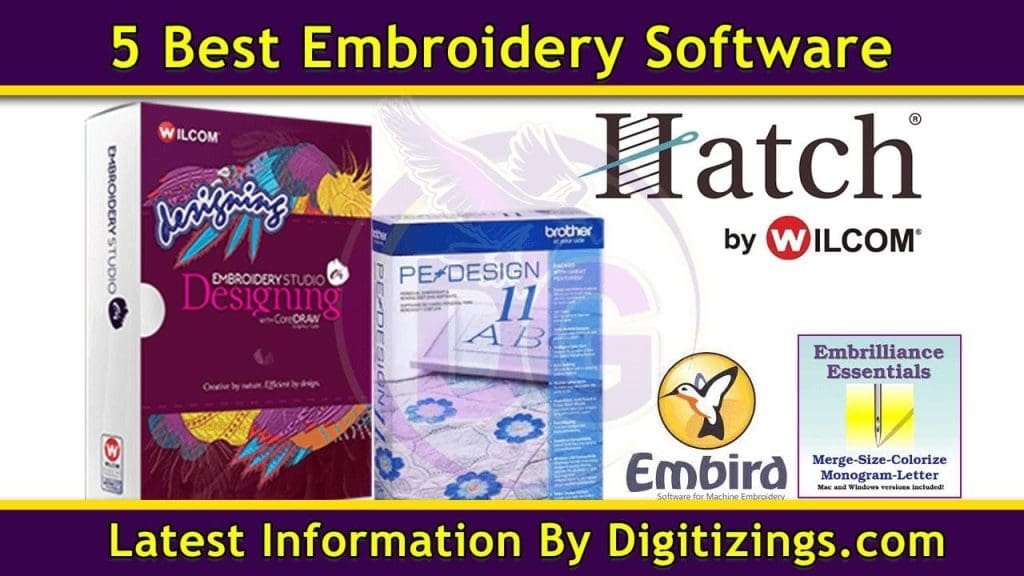
Wilcom Embroidery Studio is widely regarded as the industry-standard embroidery digitizing software because it provides complete control over stitch logic, stitch density, underlay, trims, and sewing sequence. Wilcom DST digitizing is especially preferred for logo embroidery, small lettering, and complex designs where precision and consistency are critical. It is ideal for achieving predictable stitch-outs on commercial embroidery machines with minimal corrections or revisions.
Hatch Embroidery
Hatch Embroidery is a popular choice for small embroidery businesses and advanced users who want professional-quality results with a smoother learning curve. This software combines powerful manual digitizing tools with guided workflows, making it easier to learn how to create DST embroidery files without sacrificing stitch quality, accuracy, or machine compatibility.
Tajima DG / ML by Pulse
Tajima DG / ML software is built specifically for commercial embroidery production environments. It is optimized for industrial embroidery machines and high-volume production, making it an excellent option for bulk embroidery orders. The software focuses on stability, speed, and production efficiency, rather than decorative effects, ensuring reliable performance when running DST files in professional embroidery setups.
If you’re looking for a top-quality embroidery design digitizing & vector art service, look no further than ours! With quick turnaround times and excellent quality, we’re the perfect choice for anyone looking for a reliable and affordable option.
Get 50% OFF On Your First Order Always get a preview before you pay so that you know exactly what your design will look like. We guarantee you won’t be disappointed!
Convert DST to Embroidery File | Step-by-Step Process
Converting a DST embroidery file into another embroidery format is a common requirement when working with different embroidery machines. Since a DST file stores only stitch data, the conversion process focuses on preserving stitch accuracy, sequencing, and machine compatibility rather than visual appearance.
Step 1: Load the DST Embroidery File
Start by opening the DST file in an embroidery digitizing environment that supports stitch-based formats. The design will display based on stitch paths, allowing you to see how it will run on the embroidery machine.
Step 2: Review and Optimize Stitch Data
Carefully check stitch direction, stitch density, trims, and jump stitches. This step is important to ensure smooth stitch-outs, reduce thread breaks, and adjust the design for different fabric types or hoop sizes.
Step 3: Assign Thread Colors for Preview
Because DST embroidery files do not contain color information, thread colors are assigned manually for preview purposes. These colors help visualize the design but do not change the original stitch structure.
Step 4: Convert and Save to the Required Format
Once adjustments are complete, export the design into the required embroidery machine file format such as PES, JEF, EXP, or VP3. During conversion, the stitch data remains unchanged, ensuring reliable machine performance.
Step 5: Test the Converted Embroidery File
Always run a test stitch-out on your embroidery machine after conversion. This confirms proper stitching, correct sizing, and stable performance before moving to full production.
Why Proper DST File Conversion Matters
Accurate DST embroidery file conversion ensures consistent results across different machines, fabrics, and production setups. When stitch planning is preserved correctly, the final embroidery quality depends on the stitch data—not the file format itself.
What Stitch Types Are Used in DST Embroidery Files?
When working with a DST embroidery file, stitch types are what actually form the design on fabric. Selecting the correct embroidery stitch types and adjusting them properly through DST file settings plays a major role in stitch clarity, durability, and overall embroidery quality.
Satin Stitch
Commonly used for borders, lettering, and outlines, satin stitches create a smooth and slightly shiny finish. They work best for medium-width shapes where clean edges and definition are important.
Fill (Tatami) Stitch
Fill stitches are ideal for large embroidery areas. They provide solid coverage while allowing control over stitch density, angle, and texture, helping prevent fabric distortion.
Running Stitch
Running stitches are used for fine details, light outlines, and placement lines where minimal stitching is required. They are efficient and reduce thread buildup.
Zigzag Stitch
Zigzag stitches are often used as part of the underlay structure or for securing edges before top stitches are applied, improving stitch stability.
Underlay Stitch
Underlay stitches act as a foundation beneath top stitches, helping stabilize the fabric, improve stitch coverage, and reduce puckering—especially on stretchy or soft materials.
Jump Stitch
Jump stitches move the needle between embroidery areas without stitching. Proper management of jump stitches is essential to minimize unnecessary trims and keep the design clean.
Trim Command
Trim commands cut the thread between sections of the design, helping maintain a neat and professional embroidery finish.
Stop Command
Stop commands pause the embroidery machine for thread color changes or manual adjustments, ensuring accurate execution of the design.
All of these stitch types work together within a DST file to control machine movement and stitching behavior, which is why proper stitch planning is just as important as the visual design itself.
Machine Compatibility: Making One DST File Run on Any Embroidery Machine
One of the main reasons embroidery professionals rely on DST embroidery files is their wide machine compatibility. However, this does not mean every embroidery machine reads a DST file in exactly the same way. Differences in how machines handle trims, jump stitches, hoop limits, stitch positioning, and speed can affect the final result.
To make a single DST file run smoothly across multiple embroidery machine brands, the design must be digitized with real production conditions in mind—not just visual appearance.
DST Files on Tajima Embroidery Machines
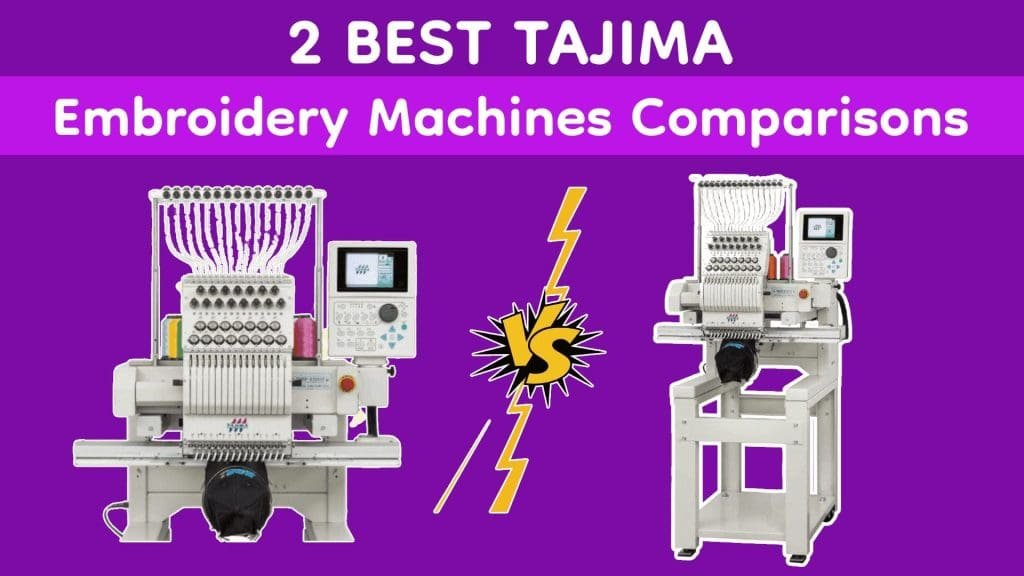
Tajima embroidery machines are built around the DST file format, which is why DST performs so reliably on them. These machines read stitch commands, trims, and stop points with high accuracy, making DST ideal for commercial and high-speed embroidery production.
When digitizing DST files for Tajima machines, clean stitch sequencing, controlled trims, and balanced stitch density are essential to maintain speed, reduce thread breaks, and ensure consistent stitch-outs during long production runs.
DST Files on Brother and Janome Embroidery Machines
Many users successfully run DST files on Brother and Janome embroidery machines, including home and semi-commercial models. However, extra care is required because these machines may interpret trims and jumps differently than industrial machines.
For Brother machines, DST files should always be test stitched, as excessive trims or dense stitching can cause issues. For Janome machines, best results are achieved when designs are properly centered, hoop limits are respected, and stitch density is adjusted for lighter fabrics commonly used with home embroidery setups.
Barudan, Melco, ZSK, and Bernina Compatibility Notes
Commercial embroidery machines such as Barudan, Melco, ZSK, and Bernina also support DST embroidery files. While compatibility is strong, differences in machine speed, thread tension systems, and trim behavior mean that professional digitizing is critical.
Keeping stitch paths clean, minimizing unnecessary jump stitches, and testing on similar fabric types helps ensure the DST file runs consistently across all these machines without unexpected issues.
Stitch Density Control for a Perfect DST Embroidery File
Stitch density may not seem important on screen, but it has a major impact once the embroidery machine starts running. If density is too high, fabric can pucker, threads may break, and the embroidery feels stiff. If density is too low, fabric shows through and the design looks weak or unfinished.
This is why professional DST digitizing never relies on auto settings. Stitch density is carefully planned based on fabric type, design size, stitch direction, and garment use. A logo stitched on a polo shirt requires very different density settings than the same design on a cap or hoodie.
Experienced digitizers test, adjust, and fine-tune density so stitches sit smoothly on the fabric without stress. When density is controlled correctly, the DST file runs cleaner, faster, and produces consistent results across different machines.
Quality Control Checklist for a Perfect DST Embroidery File
• Open the DST file in embroidery software or a stitch viewer and review the stitch layout
• Check stitch order to ensure smooth flow without unnecessary jumps
• Confirm trim commands are placed correctly to avoid loose threads
• Inspect small text, borders, and fine details for gaps or excessive density
• Verify final design size, orientation, and center point match hoop placement
• Review stitch density to prevent stiff or weak embroidery
• Run a test stitch on similar fabric to check for puckering or thread breaks
• Feel the stitched design to confirm a balanced, professional finish
• Check thread colors, needle size, tension, and backing before production
• Approve the DST file only after it stitches cleanly and runs smoothly
When to Use a Professional Digitizing Service for DST Files
There comes a stage in embroidery production where handling everything in-house starts costing more time, money, and materials. Using a professional DST digitizing service becomes the smart choice when your design is complex, includes small text, fine details, or must run smoothly across multiple embroidery machines.
Professional digitizing is also essential when you are dealing with urgent orders, tight production deadlines, or when auto-digitizing tools and basic software fail to deliver clean, stable stitch results.
If your DST embroidery files are causing thread breaks, fabric puckering, poor outlines, uneven fills, or frequent machine stops, it’s a clear sign the design needs expert attention. Skilled digitizers understand stitch logic, density control, underlay planning, trim placement, and machine behavior—details that directly affect embroidery quality once production starts.
Why Choose Digitizings for DST Digitizing Services
This is where Digitizings comes in. Through digitizings.com, we provide professional embroidery digitizing services, specializing in high-quality DST embroidery files built for real production environments.
Our experienced digitizers understand how DST files behave on different embroidery machines, which is why every design is created with clean stitch flow, controlled trims, balanced density, and smooth machine performance in mind.
We offer guaranteed quality, fast turnaround, and 24/7 customer support, so you never have to worry—especially when working with urgent embroidery orders. If revisions or adjustments are needed, we handle them quickly to keep your production running without delays.
Our goal is simple: deliver machine-ready DST files that stitch correctly the first time.
Special Offer for New Customers
To help you experience our quality firsthand, we’re offering a special deal for new clients.
ORDER NOW & Get 50% OFF on your first digitizing order
Experience professional DST digitizing with reliable results and 24/7 support.
FAQ: How to Digitize a Perfect DST Embroidery File for Any Machine
A DST file is a stitch-based embroidery file that stores stitch coordinates, directions, trims, and machine commands. Unlike image files, it does not store colors or effects. Proper DST digitizing ensures your design runs smoothly on any embroidery machine, avoids thread breaks, and maintains consistent stitch quality.
The most common stitch types include satin stitches for borders and lettering, fill (tatami) stitches for large areas, running stitches for fine details, and underlay stitches to stabilize fabric. Correct stitch selection and sequencing is essential for durability, clean edges, and professional results.
To make a DST file compatible with different embroidery machines, digitizers must carefully manage trim commands, jump stitches, stitch density, and hoop placement. Testing the file on similar machines and fabrics before production ensures consistent performance.
Stitch density affects fabric puckering, thread breaks, and embroidery stiffness. Too high density causes fabric distortion, while too low makes the design weak. Professional digitizers adjust density based on fabric type, design size, and garment use to achieve smooth, reliable stitching.
If your design is complex, has small text or fine details, or needs to run across multiple machines, professional digitizing saves time and ensures quality. Expert digitizers handle stitch logic, underlay, trims, and machine-specific adjustments, producing DST files that stitch correctly the first time.